
Configurator
Show customers exactly what they're buying: in 3D, with live pricing
Configure window frames, doors, sliding doors, dormers, verandas and more in a parametric 3D view. Every choice, such as layout, opening direction, colour, glass or sill, updates the visual and the price instantly.
- Eight product families: window frames, doors, sliding windows & patio doors, bifolds, dormers, verandas, roller shutters and extensions
- Realistic profiles based on VEKA, Schüco and Aluplast systems
- Prices from your price book: combination tables, price formulas, surcharges in € or %, installation hours
What is a window configurator?
A window configurator is software for composing a made-to-measure window frame: dimensions, pane layout, tilt-and-turn sections, colour, glass and options. Bryntra renders the result in 3D and computes the price live from your own pricing, not an estimate, but your actual sales price.
- Eight product families: window frames, doors, sliding windows & patio doors, bifolds, dormers, verandas, roller shutters and extensions
- Realistic profiles based on VEKA, Schüco and Aluplast systems
- Prices from your price book: combination tables, price formulas, surcharges in € or %, installation hours
- AR: customers view the product life-size in their own space, straight from the quote page
- The 3D view is automatically included as an image on the quote and PDF
- Unpriceable combinations are blocked before they ever reach a quote
An AR showroom on any phone
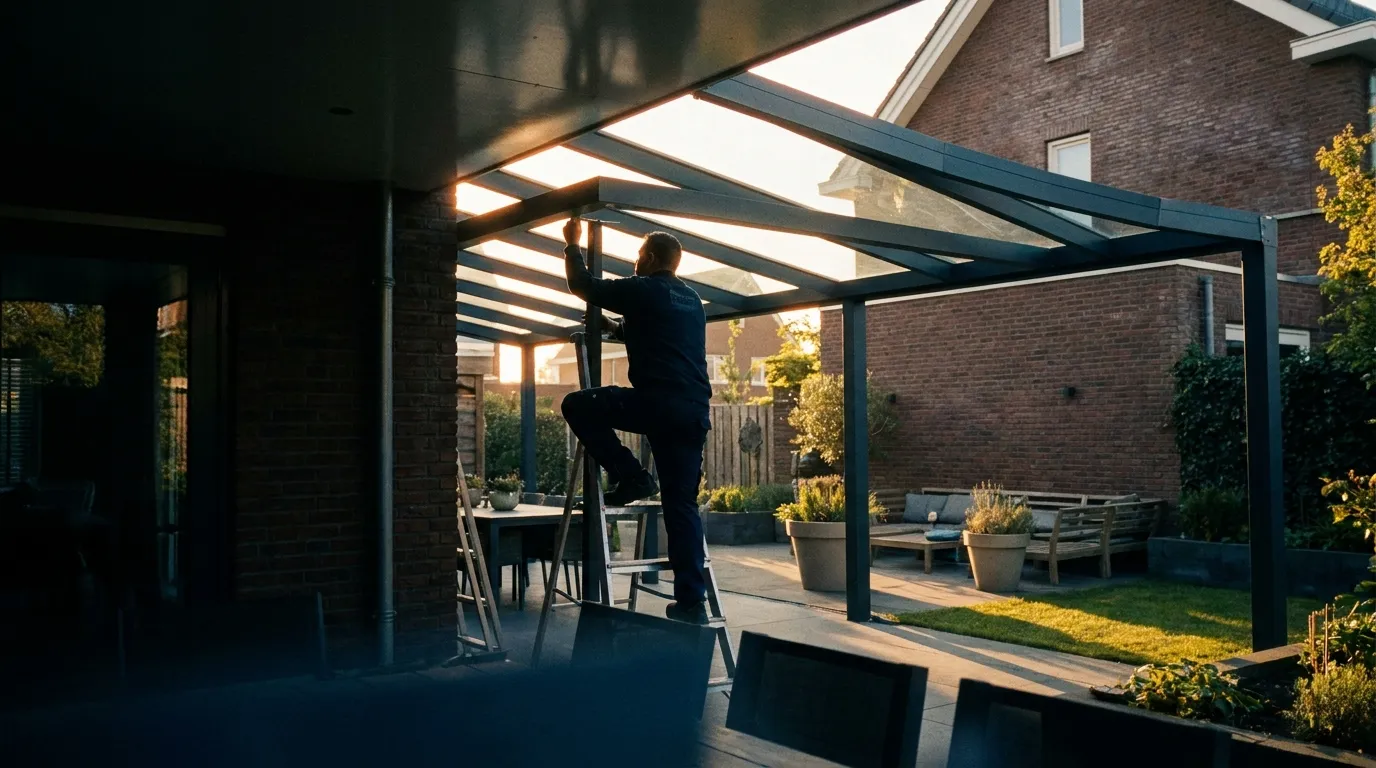
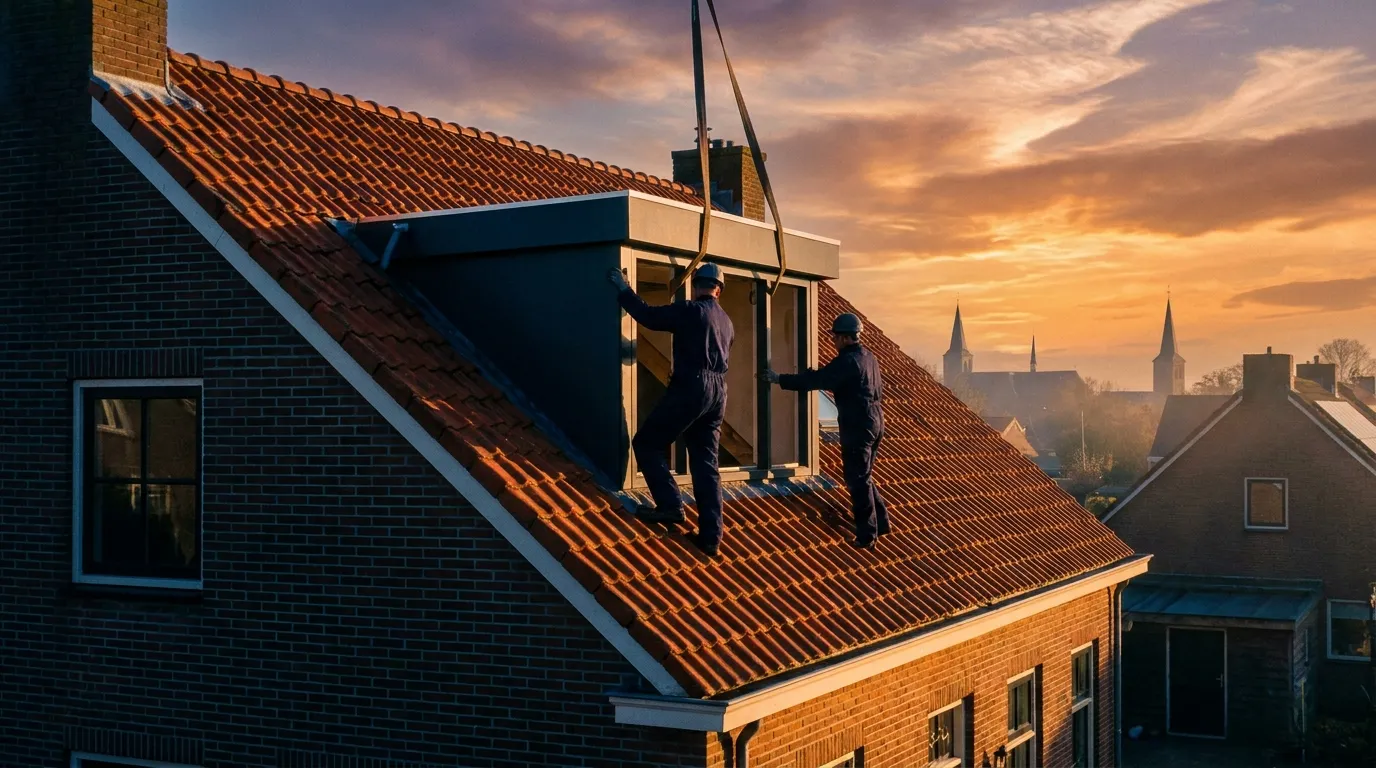
Every 3D model exports to AR for iPhone and Android, without installing an app. Place a dormer on the roof or a veranda in the garden during the kitchen-table meeting, or let customers do it at home via their quote link.
From photo to draft quote with AI
Upload photos, sketches or a PDF survey: AI extracts geometry only, such as dimensions, layout and opening directions. Pricing then comes from your own deterministic engine. AI never touches your money.
Parametric, not pictures
Not a photo library but real geometry: every dimension, pane layout, opening direction and profile depth is built live. Tilt-and-turn sashes open in the model, sliding doors show their travel, and L-shapes are priced on the true rectangles.
Your prices, deterministic
Pricing management gives you control per family: combination tables with bands, price formulas from factory quotes, colour surcharges, glass per m², screens, sills and installation time. The engine always computes the same: reproducible and auditable to the cent.
Built for your products
All industries →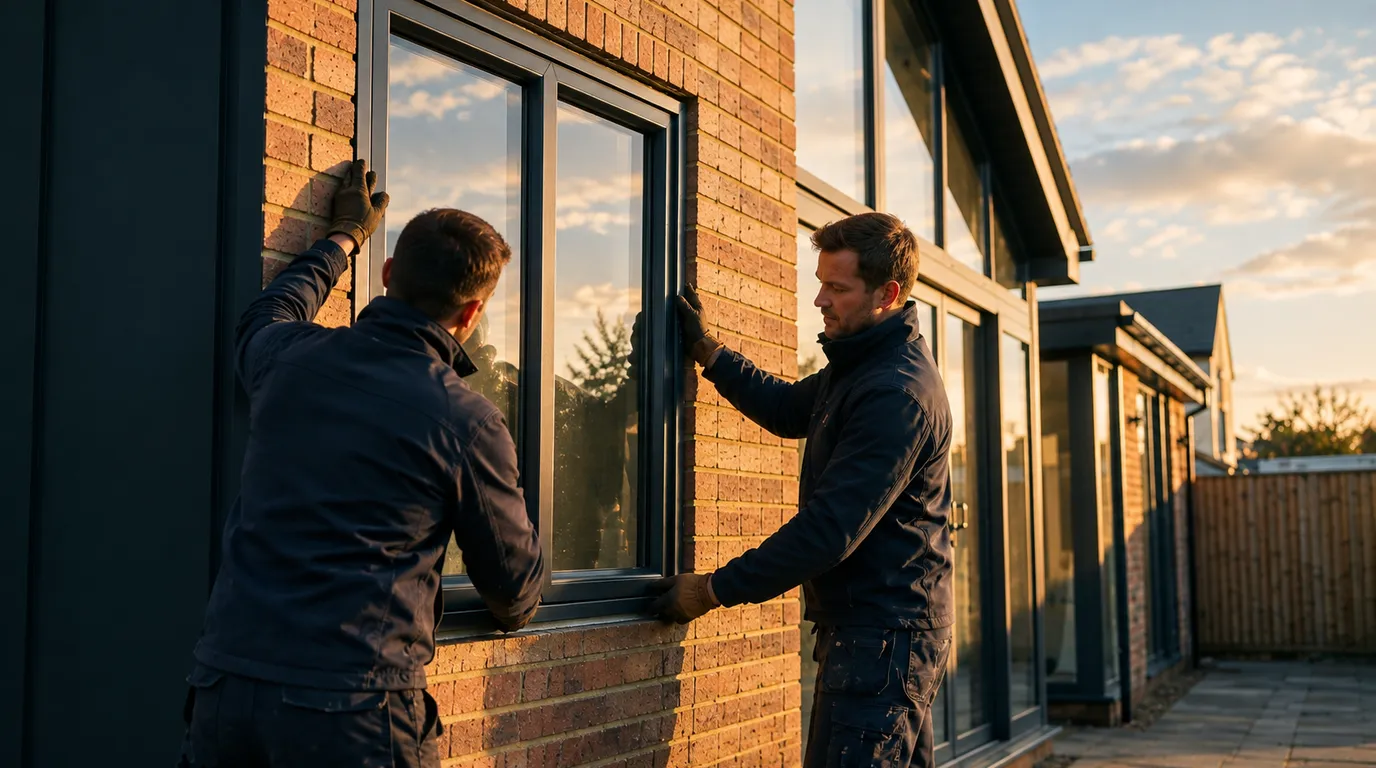
FAQ
Frequently asked questions
Quick answers to the questions companies ask us most.