
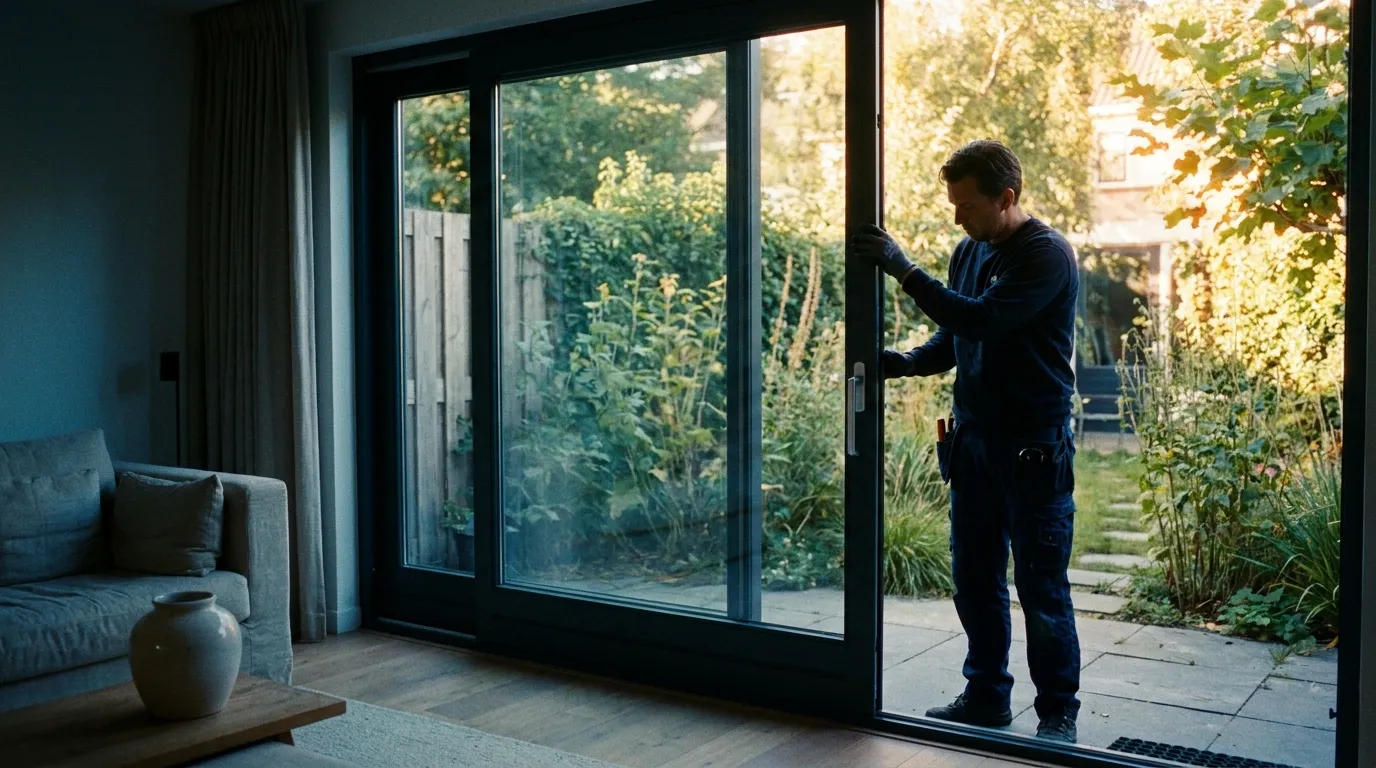
Software for sliding-door specialists
Sliding-door configurator that prices instantly
From a 2-panel slider to a 4-panel lift-and-slide: choose the layout, which panels travel and where, and Bryntra draws it in 3D with direction arrows. The sliding-door calculator prices from your size tables, no supplier quote to wait for.
- sliding door quote
- sliding door configurator
- sliding door calculator
- calculate sliding door price
- lift-and-slide software
What does quoting a sliding door through software look like?
Instead of waiting on a supplier quote, sliding-door software prices straight from your own tables: width × height, panel count, travel direction and options like lift-and-slide. In Bryntra a configured door, including 3D with slide direction, is priced on the quote within minutes.
Why Bryntra for sliding windows & patio doors
- 2, 3 and 4-panel layouts with fixed and travelling panels
- Travel directions visualised in 2D and 3D, on the quote PDF too
- Sliding windows and lift-and-slide doors as separate price categories
- Size-based combination tables with in-between interpolation
- Glass area computed automatically for per-m² glass pricing
- Thresholds, colours and screens as surcharges in € or %
Layout & travel
Draw the door the way it will slide
Pick a 2, 3 or 4-panel layout, set which panels are fixed and which travel, and in which direction. Bryntra draws the door in 2D and 3D with clear direction arrows, on the quote PDF too. The customer knows exactly what they buy and the fitter knows exactly what they install.
- 2, 3 and 4-panel layouts with fixed and travelling panels
- Direction arrows in 2D, 3D and on the PDF
- Sliding windows and lift-and-slide as separate price categories
Pricing from tables
Every size priced instantly, in-between included
The sliding-door calculator prices on width × height from your combination tables, interpolating in-between sizes. Glass area is computed automatically for your per-m² glass price, and thresholds, colours and screens come as surcharges in € or %. Your purchase price, your margin, your price.
- Size-based combination tables with in-between interpolation
- Glass area computed automatically for per-m² glass price
- Thresholds, colours and screens as surcharges in € or %
3D & AR
The door life-size in the living room
The customer turns the sliding door in realistic 3D, sees the glass and profiles and opens it life-size in their own living room with AR. That sells a large glass wall more easily than a drawing on paper, and every change updates the price live.
- Realistic 3D with glass and profiles, priced live
- AR: view the door at true size in the room
- Branded quote, signed digitally with SHA-256
Order, fitting & margin
From signed door to scheduled fitting
Once signed, the door becomes an order and fitting time adds up to fitter-days on the planning board. The fitter completes the work order on site, and afterwards reporting shows your real margin per project, post-calculation included.
- Fitting time becomes fitter-days in planning
- Work order with hours, materials and photos on site
- Post-calculation: quoted versus actual margin per project
- Layouts
- 2, 3 and 4-panel, fixed and travelling
- Systems
- Sliding window, patio door and lift-and-slide
- Travel direction
- Set per panel, with arrows in 2D and 3D
- Glass
- HR++, triple and acoustic, priced per m²
- Price basis
- Width × height tables, in-between interpolated
- Options
- Thresholds, colours and screens in € or %
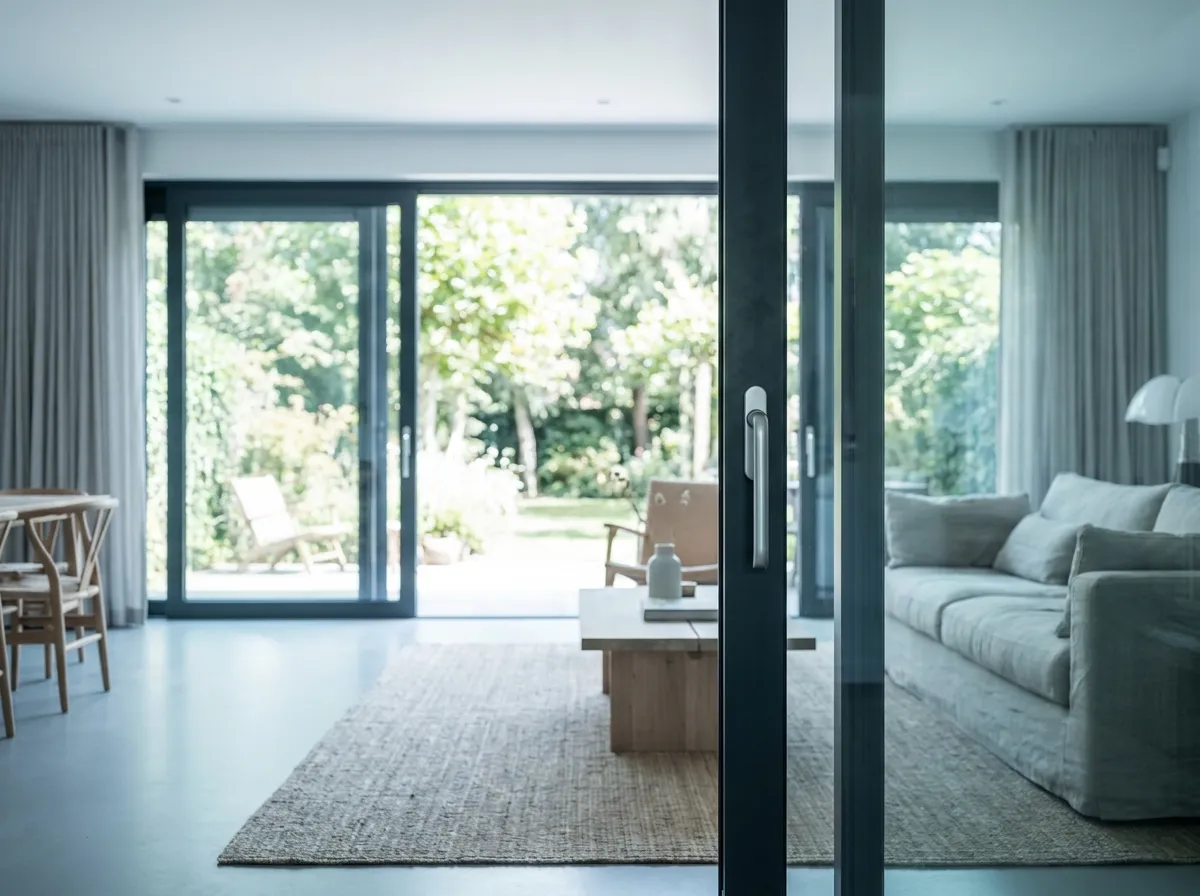
This is how sliding windows & patio doors will look at your customer's home
- 01
Pick the layout
2, 3 or 4-panel, with fixed and travelling panels.
- 02
Set the travel
Choose which panels travel and where; Bryntra draws the arrows.
- 03
Price from your tables
Width × height from combination tables, glass per m².
- 04
Quote in 3D
Branded quote with 3D and AR, signed digitally.
- 05
Plan & install
Fitting time becomes fitter-days; work order on site.
FAQ
Questions about sliding windows & patio doors
Quick answers to the questions companies ask us most.