
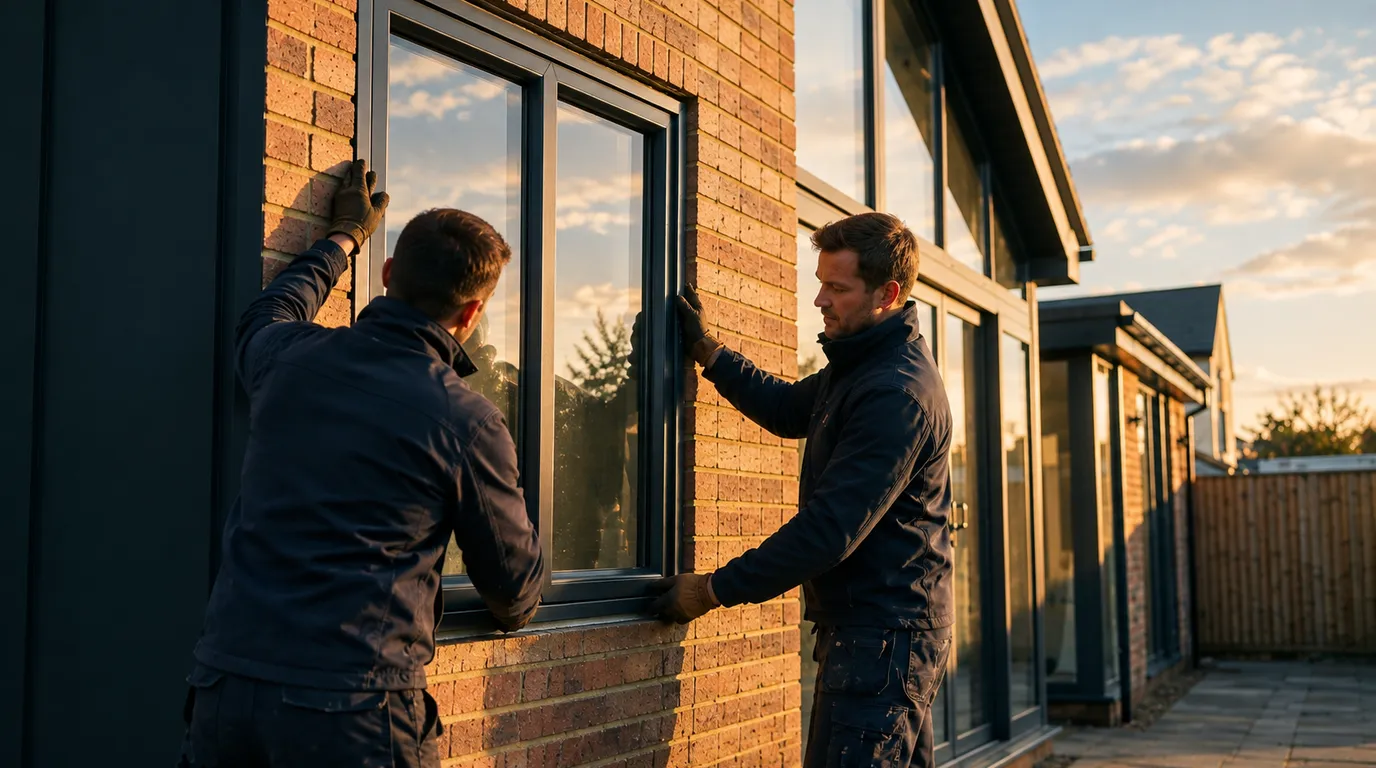
Software for window companies
Window software that prices every frame for you
From survey to signed quote: configure PVC window frames in 3D and let the window calculator price them from your own purchase prices. One system to quote, calculate, plan and invoice.
- window software
- window calculator
- window pricing software
- window quoting software
- window quote maker
What is window pricing software?
Window pricing software calculates the sales price of a made-to-measure frame: dimensions, pane layout, opening sections, colour, glass and options. Bryntra supports combination tables with size bands and price formulas calibrated on three factory quotes, so every frame, including in-between sizes, prices correctly at once.
Why Bryntra for window frames
- Realistic 3D based on VEKA, Schüco and Aluplast profiles
- Combination tables or price formulas: your purchase price, your margin, your price
- Inside/outside colours, glass per m², screens, sills and deductions
- Tilt-and-turn, French, fixed and L-shapes: pricing follows true geometry
- Fitting time per frame adds up to fitter-days in planning
- AI survey: façade photos become a draft quote, with prices from your price book
The window calculator
Every frame priced instantly, in-between sizes included
Bryntra's window calculator prices every made-to-measure PVC frame: dimensions, pane layout, opening sections, colour, glass and options. Use combination tables with size bands or price formulas calibrated on three factory quotes, so in-between sizes price correctly too. No indicative prices, but your purchase price, your margin, your price, to the cent.
- Combination tables with size bands per profile system
- Price formulas calibrated on 3 factory quotes, in-between sizes included
- Colour, glass and option surcharges in € or % of a base
- Deductions and discounts that keep the money path exact
3D configurator
Customers see exactly which frame they're buying
Configure frames in realistic 3D based on real profile systems. Turn the frame, choose the pane layout, set tilt-and-turn, French or fixed sections, pick inside and outside colours, glass, screens and sills. Every change updates the price live, and with AR the customer places the frame in their own façade.
- Realistic PVC profiles: VEKA, Schüco and Aluplast
- Tilt-and-turn, French, fixed glass, hopper and L-shapes
- Inside/outside colours, wood grain and any RAL shade
- AR: view the frame life-size in the room
Quotes & e-signing
A branded quote the customer signs digitally
Build the quote from configured frames, free lines and discounts. The customer opens a branded quote page with 3D imagery and signs digitally, sealed with SHA-256. VAT per rate and discounts always add up, and the quote PDF carries your logo, colours and terms.
- Branded quote page and PDF in your house style
- Digital signing (SHA-256), legally valid
- Correct VAT per rate and clear discounts
Planning & fitting
From signed quote to scheduled installation
Once signed, the quote becomes an order. Fitting time per frame adds up to fitter-days automatically, so you drag the job to the right team on the planning board. On site, fitters complete the work order with hours, materials, photos and a signature, and extra work flows straight to the invoice.
- Fitting time per frame becomes fitter-days in planning
- Team planning with availability and capacity
- Work orders with hours, materials, photos and signature
AI survey
From façade photos to a draft quote
Take photos or upload a sketch of the façade and let AI recognise the frames: type, pane layout and rough sizes become a draft quote, priced with your price book. You review and send. The AI never touches the money path: prices always come from your own tables and formulas.
- Photos or a sketch become recognised frames
- Draft quote priced from your price book
- Saves an evening of recalculating per quote
- Profile systems
- VEKA, Schüco and Aluplast (PVC)
- Opening types
- Tilt-and-turn, French, casement, fixed and hopper
- Shapes
- Rectangular, L-shaped and composed frames
- Glass
- HR++, triple and acoustic, priced per m²
- Colours
- Inside/outside, any RAL and wood grain, with surcharge
- Options
- Screens, sills, ventilation grilles and deductions
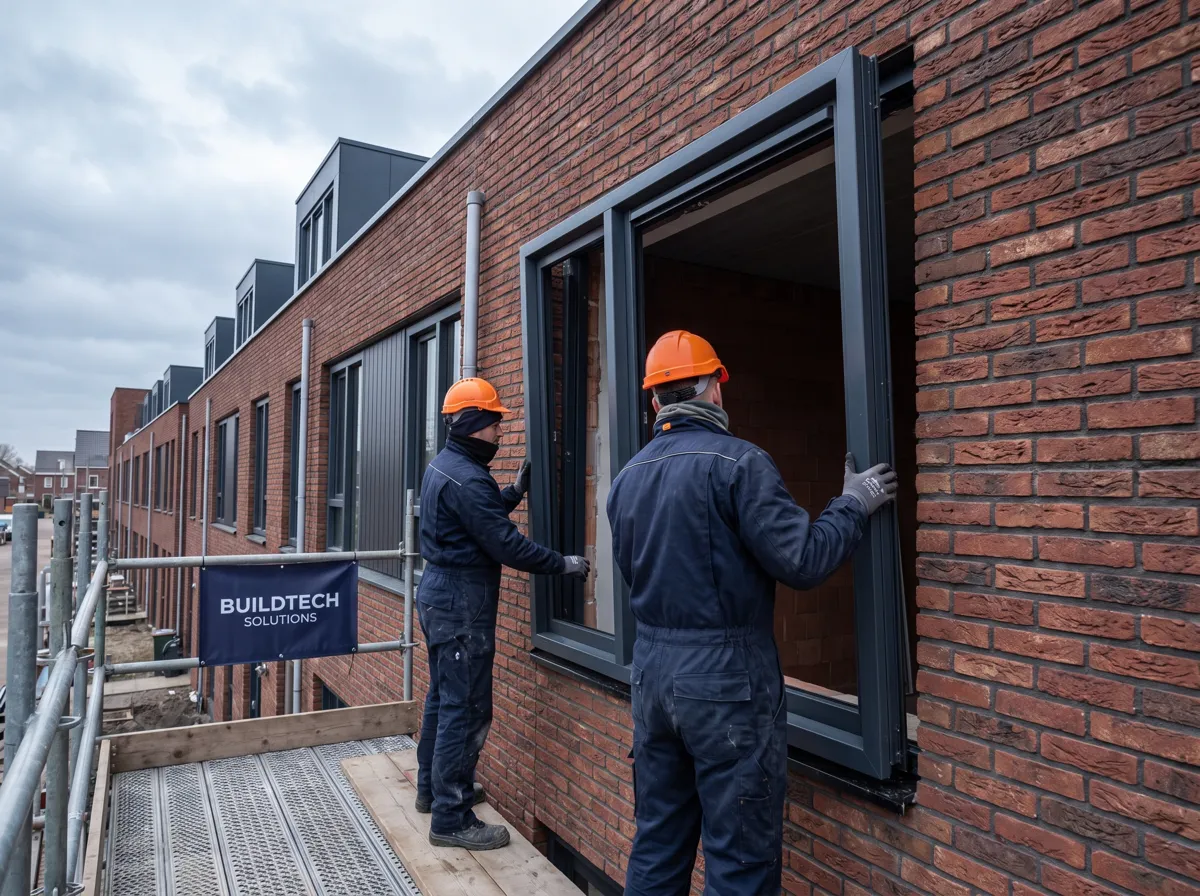
This is how window frames will look at your customer's home
- 01
Measure or photograph
Measure up, or let AI recognise the frames from façade photos.
- 02
Configure in 3D
Pane layout, opening sections, colour, glass and options in realistic 3D.
- 03
Price from your price book
The window calculator prices from your tables or formulas.
- 04
Quote & get it signed
Branded quote, digitally signed, with 3D imagery.
- 05
Plan & install
Fitting time becomes fitter-days; complete the work order on site.
- 06
Invoice
Invoice with UBL, instalments and correct VAT, gap-free numbering.
FAQ
Questions about window frames
Quick answers to the questions companies ask us most.