
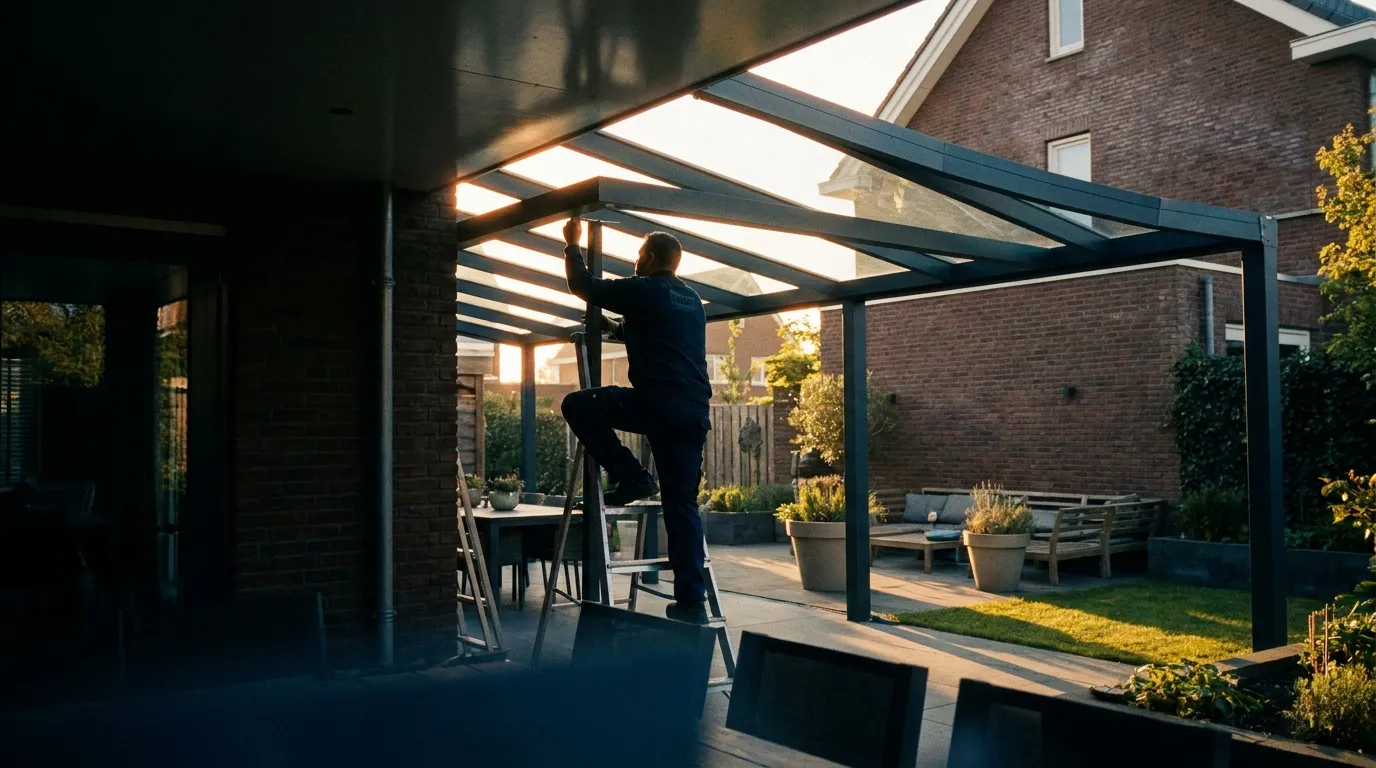
Software for veranda specialists
Veranda software that prices on size and option
Aluminium verandas and canopies with polycarbonate or glass roofs, lighting, side and sliding walls, and an extra post where the span requires it. The veranda configurator draws it all in detailed 3D and prices on size and options from your own price book.
- veranda software
- veranda configurator
- veranda calculator
- veranda quote maker
- canopy configurator
What determines a veranda's price?
A veranda's price follows from width and depth, roof type (polycarbonate or glass), gutter and post finish and options like LED lighting, side walls and sliding walls. Bryntra computes it from your own price book: base price per size plus each option transparently priced, with depth classes guarding what's structurally possible.
Why Bryntra for verandas & canopies
- Width and depth classes with an automatic third post where needed
- Polycarbonate or glass roofs, gutter shapes and colours as priced choices
- Side walls, sliding walls and LED spots priced per unit
- Detailed 3D: profiles, gutter, posts and roof panels all correct
- AR view in the customer's garden, from your phone
- The same engine prices your prefab extensions
Size & structure
Depth classes that guard what's possible
Set width and depth and Bryntra uses depth classes to guard what's structurally sound. Where the span requires it, a third post appears automatically. You never sell a veranda that can't be built, and the base price per size matches your price book at once.
- Width and depth classes with an automatic third post
- Base price per size from your own price book
- Gutter shapes, colours and post finish as choices
Roof, walls & light
Every option transparently priced
Choose a polycarbonate or glass roof, add side walls, sliding walls and LED spots, and see each choice priced separately on the quote. No surprises afterwards: the customer understands exactly what they pay for, and you keep your margin per option in hand.
- Polycarbonate or glass roof as a priced choice
- Side walls, sliding walls and LED spots priced per unit
- The same engine prices your prefab extensions too
Detailed 3D & AR
Sell the veranda from the garden
The veranda appears in detailed 3D: profiles, gutter, posts and roof panels match what you deliver. Turn the model, switch the colour and place it life-size in the customer's garden with AR, from your phone. That's the difference between a quote and an order.
- Detailed 3D: profiles, gutter, posts and roof panels
- AR view in the customer's garden, from your phone
- Branded quote, signed digitally with SHA-256
Planning & fitting
From signed quote to fitting crew
Once signed, the veranda becomes an order with an estimated fitting time that adds up to fitter-days on the planning board. The fitter completes the work order on site with hours, materials and photos, and extra work like an added side wall flows straight to the invoice.
- Fitting time becomes fitter-days in planning
- Work order with hours, materials, photos and signature
- On-site extra work straight onto the invoice
- Sizing
- Width and depth classes, third post where needed
- Roof type
- Polycarbonate or glass, priced per m²
- Walls
- Side walls and sliding walls, per unit
- Lighting
- LED spots in the gutter and on the posts
- Colours
- Standard and any RAL, with surcharge
- Visualisation
- Detailed 3D and AR in the garden
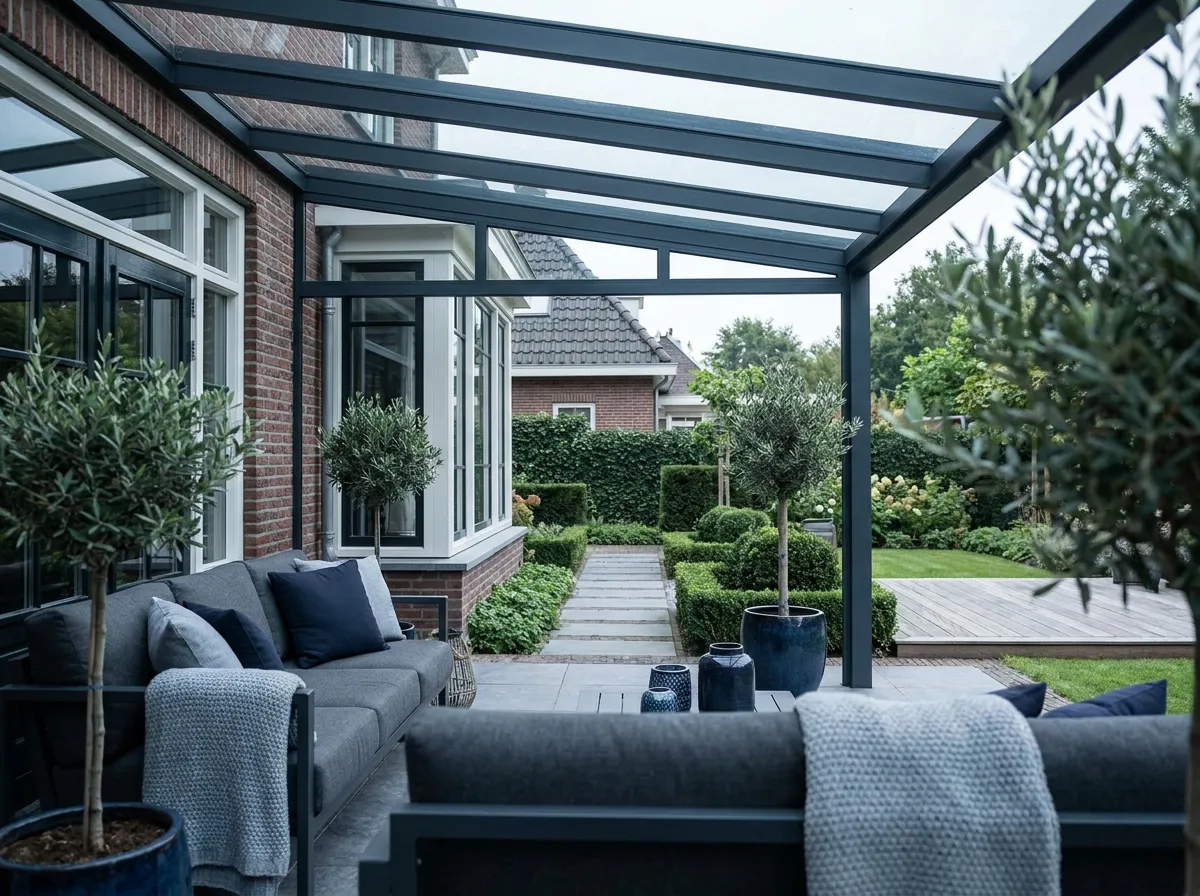
This is how verandas & canopies will look at your customer's home
- 01
Set the size
Width and depth; Bryntra guards what's structurally possible.
- 02
Choose roof & options
Poly or glass, walls, sliding walls and LED lighting.
- 03
Price from your book
Base price per size, plus each option transparently.
- 04
Quote in 3D & AR
Branded quote, shown in the garden, signed digitally.
- 05
Plan & install
Fitting time becomes fitter-days; work order on site.
FAQ
Questions about verandas & canopies
Quick answers to the questions companies ask us most.