
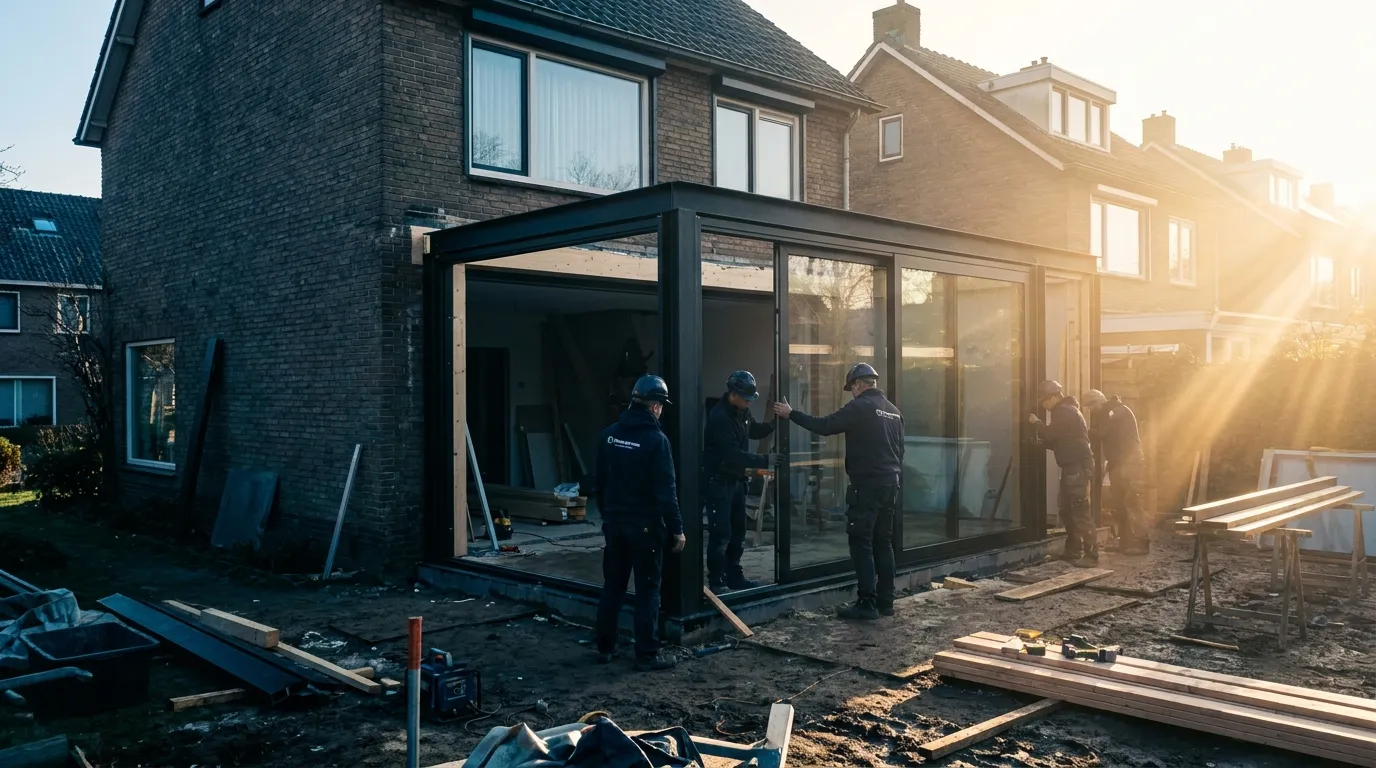
Software for extension specialists
Extension software: one configurator, one price
Quote a complete extension: dimensions, roof build-up, façade layout with frames and sliding doors, interior and exterior finish. The extension configurator prices everything as one whole, fully installed, and plans the fitting days with it.
- extension software
- extension configurator
- prefab extension quote
- extension calculator
- calculate extension price
What is a prefab extension?
A prefab extension is largely factory-built and installed on site in days, not weeks. Quoting one involves many simultaneous choices: size, roof, frame layout and finish. Bryntra configures it in 3D and prices everything from one price book, installation included.
Why Bryntra for prefab extensions
- Width, depth and height freely adjustable within your limits
- Façade layout with frames, sliding doors and doors from the same configurator
- Priced fully installed: foundation to finish as options
- 3D model with roof overhang, fascia and lighting
- Fitting days estimated automatically for team planning
- On-site extra work straight onto the job card and invoice
Size & roof
The extension to size, within your limits
Set width, depth and height freely within the limits you define, and choose the roof build-up with overhang, fascia and lighting. Bryntra builds the extension parametrically in 3D, so the customer sees the volume that will be added to their home, and you stay within your structural limits.
- Width, depth and height freely adjustable within your limits
- 3D model with roof overhang, fascia and lighting
- The same pricing engine as your verandas
Façade layout
Frames and doors from the same configurator
You fill the extension's façade with frames, sliding doors and doors from exactly the same configurator as your standalone products. Each façade section is priced correctly with your tables and formulas, so the extension quote is right down to the frame, without duplicate work.
- Frames, sliding doors and doors from one configurator
- Each façade section priced with your tables and formulas
- AR: place the volume against the existing façade
Fully installed
From foundation to finish, all in the price
Price the extension fully installed: foundation, shell, roof, façade, interior and exterior finish come as priced options in one total. The customer doesn't get loose items to add up, but one branded quote they sign digitally, sealed with SHA-256.
- Foundation, shell, roof and finish as priced options
- One clear total, fully installed
- Branded quote, signed digitally
Planning, fitting & invoice
Fitting days and extra work flow through
An extension spans several fitting days: Bryntra estimates them automatically and puts them on the planning board with the right team. On site the fitter completes the work order, and extra work flows straight to the order and the invoice, with UBL and instalments for larger amounts.
- Fitting days estimated automatically for team planning
- On-site extra work straight onto the job card and invoice
- Invoicing with UBL and instalments for large amounts
- Sizing
- Width, depth and height within your limits
- Roof
- Flat or pitched, with overhang and fascia
- Façade layout
- Frames, sliding doors and doors from the configurator
- Finish
- Foundation to interior/exterior, as priced options
- Visualisation
- Parametric 3D and AR against the façade
- Invoicing
- UBL and instalments for large amounts
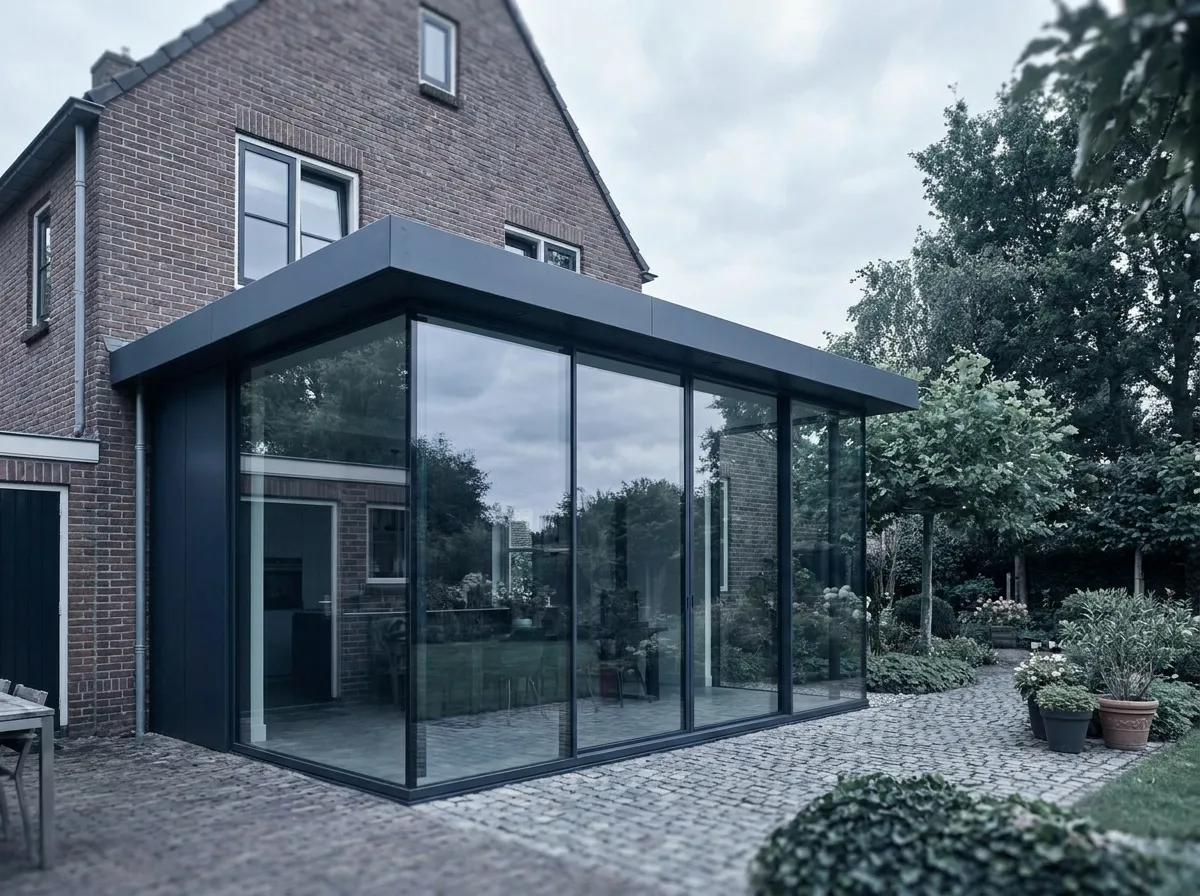
This is how prefab extensions will look at your customer's home
- 01
Set the size
Width, depth, height and roof build-up within your limits.
- 02
Fill the façade
Frames, sliding doors and doors from the same configurator.
- 03
Price fully installed
Foundation to finish as options in one total.
- 04
Quote & get it signed
Branded quote with 3D and AR, signed digitally.
- 05
Plan, install & invoice
Fitting days scheduled; extra work and invoice flow through.
FAQ
Questions about prefab extensions
Quick answers to the questions companies ask us most.