
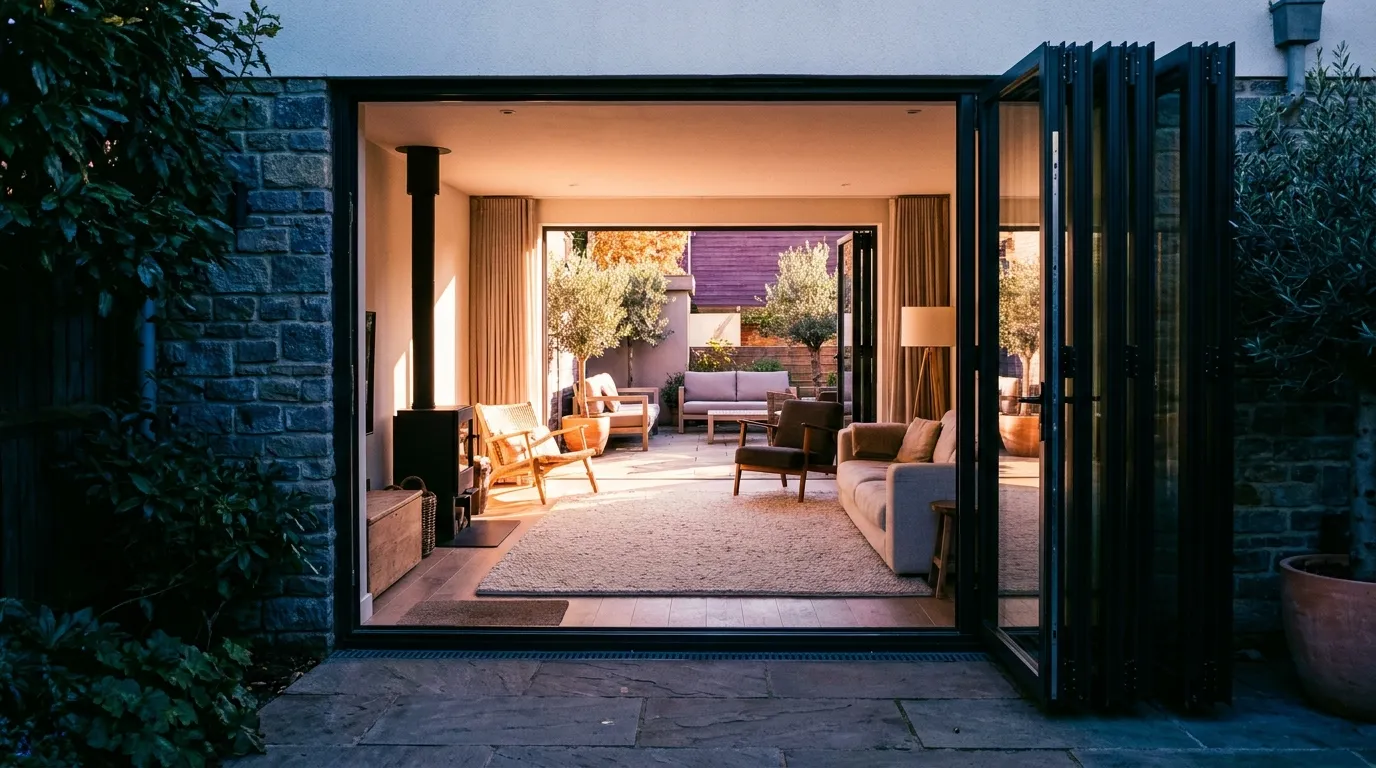
Software for bifold specialists
Bifold configurator that prices as you build
Concertina systems with 2 to 7 panels, folding in or out, with or without a traffic door. Configure the bifold in 3D and let the calculator price it from your size tables. Also as a lighter bifold window above a parapet.
- bifold door quote
- bifold wall configurator
- calculate bifold price
- concertina door software
- bifold calculator
What's the difference between bifold and sliding doors?
A sliding door stacks panels behind each other and always keeps glass in the opening; a bifold folds all panels to one side, leaving the opening almost fully clear. Bryntra treats both as separate product families with their own price tables, fitting times and 3D views, folding direction and traffic door included.
Why Bryntra for bifold windows & doors
- 2 to 7 panels, folding left, right or split
- Traffic-door option for daily use without opening everything
- Bifold windows as a separate, lighter line above a parapet
- Panel division automatically even, or adjust it yourself
- Own fitting times per panel for capacity planning
- Price tables per width × height with colour surcharges
Panels & folding
2 to 7 panels, exactly how you build it
Choose the number of panels, the folding direction left, right or split, and whether a traffic door is included for daily use. The panel division is automatically even, but you adjust it where the opening requires. Everything you pick appears immediately in 3D.
- 2 to 7 panels, folding left, right or split
- Traffic-door option for daily use without opening everything
- Panel division automatically even, or adjust it yourself
Bifold door or window
Two lines, each with its own price
A bifold door runs to the floor; a bifold window sits lighter and cheaper above a parapet. Bryntra treats them as separate product lines with their own price tables and fitting times. Pricing comes from your tables per width × height, with colour surcharges, so every quote matches your purchasing.
- Bifold windows as a separate, lighter line above a parapet
- Price tables per width × height with colour surcharges
- Glass area computed automatically for per-m² glass price
3D, AR & quote
Let the customer watch the wall open
A bifold wall that opens the entire rear façade sells itself in 3D. The customer turns the system, watches the panels fold and places it in their own living room with AR. The configured wall lands on a branded quote that is signed digitally, sealed with SHA-256.
- 3D with folding panels, priced live
- AR: view the bifold wall at true size
- Branded quote, signed digitally
Planning & fitting
Every panel counts in your fitting capacity
A seven-panel bifold takes more fitting time than a two-panel door: Bryntra assigns a fitting time per panel that adds up to fitter-days on the planning board. The fitter completes the work order on site with hours, materials, photos and a signature.
- Own fitting times per panel for capacity planning
- Team planning with availability and capacity
- Work order with hours, materials, photos and signature
- Panels
- 2 to 7, evenly divided or manual
- Folding direction
- Left, right or split; inward or outward
- Traffic door
- Optional, for daily use
- Bifold window
- Separate, lighter line above a parapet
- Glass & colour
- HR++/triple per m², any RAL with surcharge
- Price basis
- Width × height tables per line
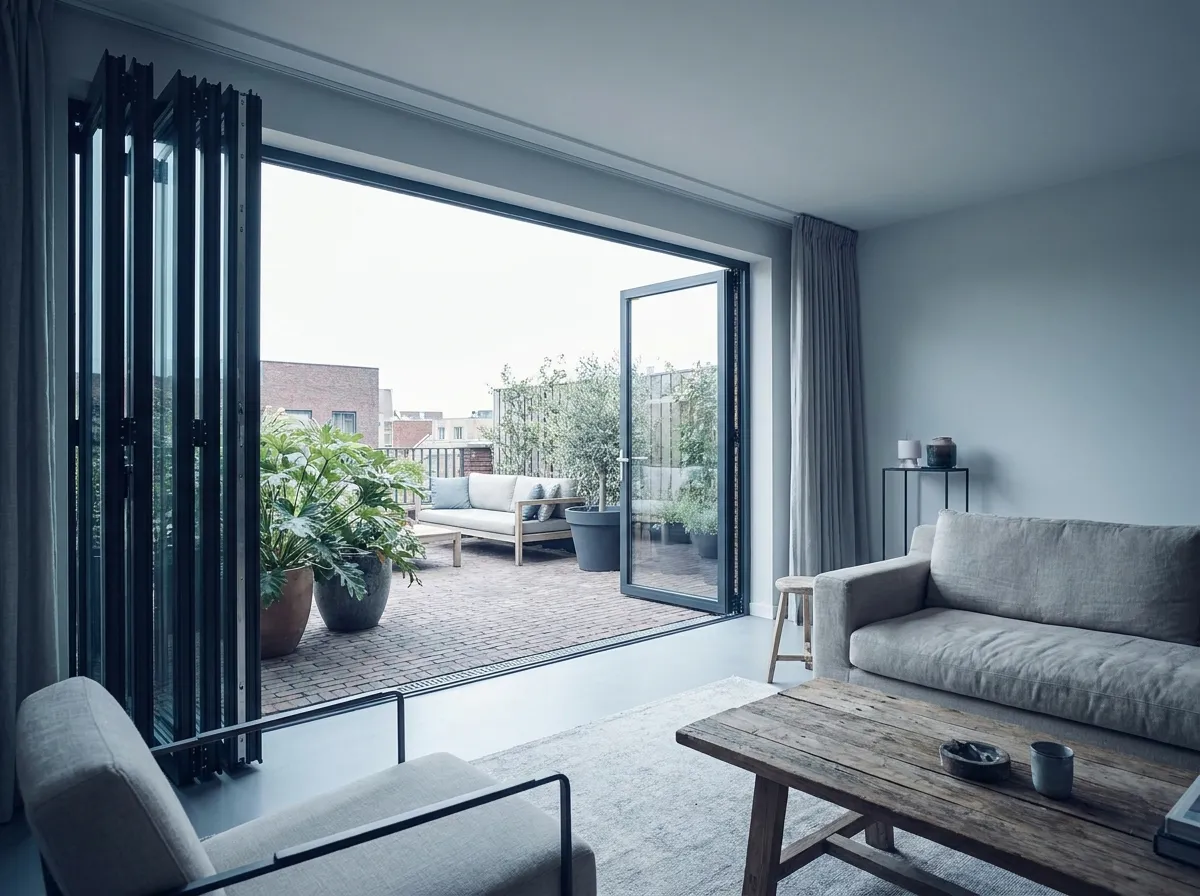
This is how bifold windows & doors will look at your customer's home
- 01
Choose panels & direction
2 to 7 panels, folding direction and an optional traffic door.
- 02
Configure in 3D
Glass, colour and finish, live in view and in price.
- 03
Price from your tables
Width × height per line, with colour surcharges.
- 04
Quote & get it signed
Branded quote with 3D and AR, signed digitally.
- 05
Plan & install
Fitting time per panel becomes fitter-days; work order on site.
FAQ
Questions about bifold windows & doors
Quick answers to the questions companies ask us most.