
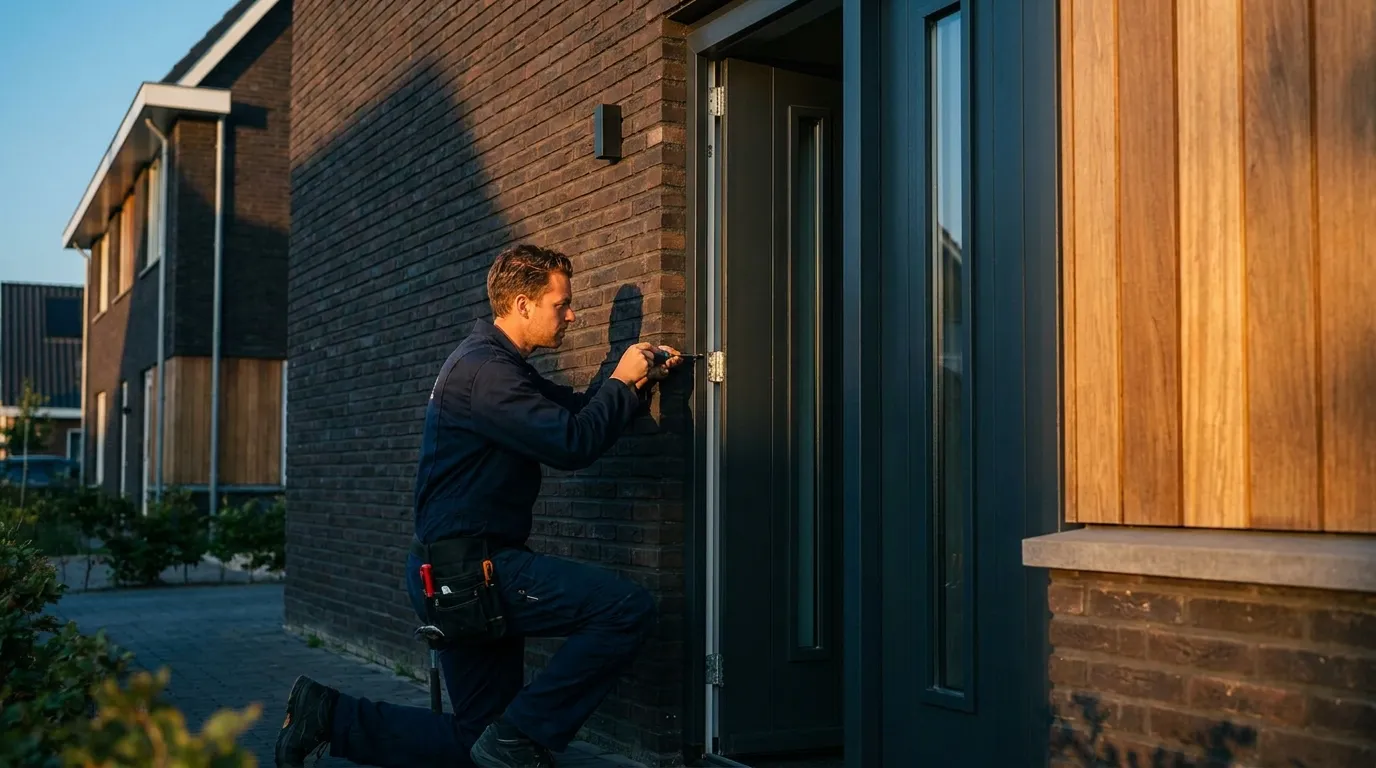
Software for door specialists
Door software that prices every leaf on the spot
Front, back, garden and French doors: pick model, size, opening direction, glass and hardware in 3D and let Bryntra price them from your own list. Side lights, top lights and a quote the customer signs digitally, all included.
- front door configurator
- made-to-measure door quote
- door quoting software
- door calculator
- front door quote maker
How do you quickly quote a made-to-measure front door?
With door configuration software you pick model, size, opening direction, glass and hardware, and the price comes from your own price list. In Bryntra you configure the door in 3D, side lights included, and it lands priced on the quote within a minute, ready for e-signing.
Why Bryntra for doors
- Front doors, back doors, garden doors, French doors and tilt-and-turn doors
- Set-based pricing per door type and size, colour surcharges included
- Side lights and top lights configured within the same frame
- Panel and glass options, each priced
- 3D shows opening direction and hinge side: no fitting surprises
- Door leaves counted in fitting capacity (French = 2 leaves)
Every door type
Every door type from one configurator
Front, back, garden, French or tilt-and-turn doors: you configure them all in the same door configurator. Pricing is set-based per type and size, exactly as you buy them, with colour and option surcharges on top. Side and top lights are drawn into the same frame, so the complete façade section is right in one go.
- Front, back, garden, French and tilt-and-turn doors
- Set prices per type and size from your own range
- Side lights and top lights in the same frame
- Inside/outside colour and wood grain with surcharge
3D & opening direction
Customers see the door they're buying
Configure the door in realistic 3D: panel or glass, opening direction and hinge side, colour and hardware. Every choice updates the price live and prevents fitting surprises, because the opening direction on screen is the one on site. With AR the customer previews the new door in their own entrance.
- Opening direction and hinge side in 3D, one-to-one with fitting
- Panel models, glass sections and hardware priced per choice
- AR: view the door life-size in the entrance
Quoting & e-signing
A branded quote, signed digitally
Put the configured doors on a branded quote with free lines and discounts. The customer opens the quote page in your house style, views the 3D imagery and signs digitally, sealed with SHA-256. VAT per rate and discounts always add up to the cent.
- Branded quote page and PDF with 3D imagery
- Legally valid digital signing (SHA-256)
- Correct VAT per rate and clear discounts
Planning & fitting
Every leaf counts in your capacity
After signing, the quote becomes an order. The number of leaves feeds fitting capacity, so a French door counts as two leaves. You schedule the job on the team board and the fitter completes the work order on site with hours, materials, photos and a signature; extra work flows straight to the invoice.
- Leaves feed capacity (French door = 2 leaves)
- Team planning with availability and capacity
- Work order with hours, materials, photos and signature
- Door types
- Front, back, garden, French and tilt-and-turn
- Opening direction
- Inward/outward, left/right, shown in 3D
- Panels & glass
- Panel models and glass sections, priced per choice
- Hardware & locks
- Handles, pulls and multi-point locks as options
- Side lights
- Side and top lights in the same frame
- Colours
- Inside/outside, any RAL and wood grain, with surcharge
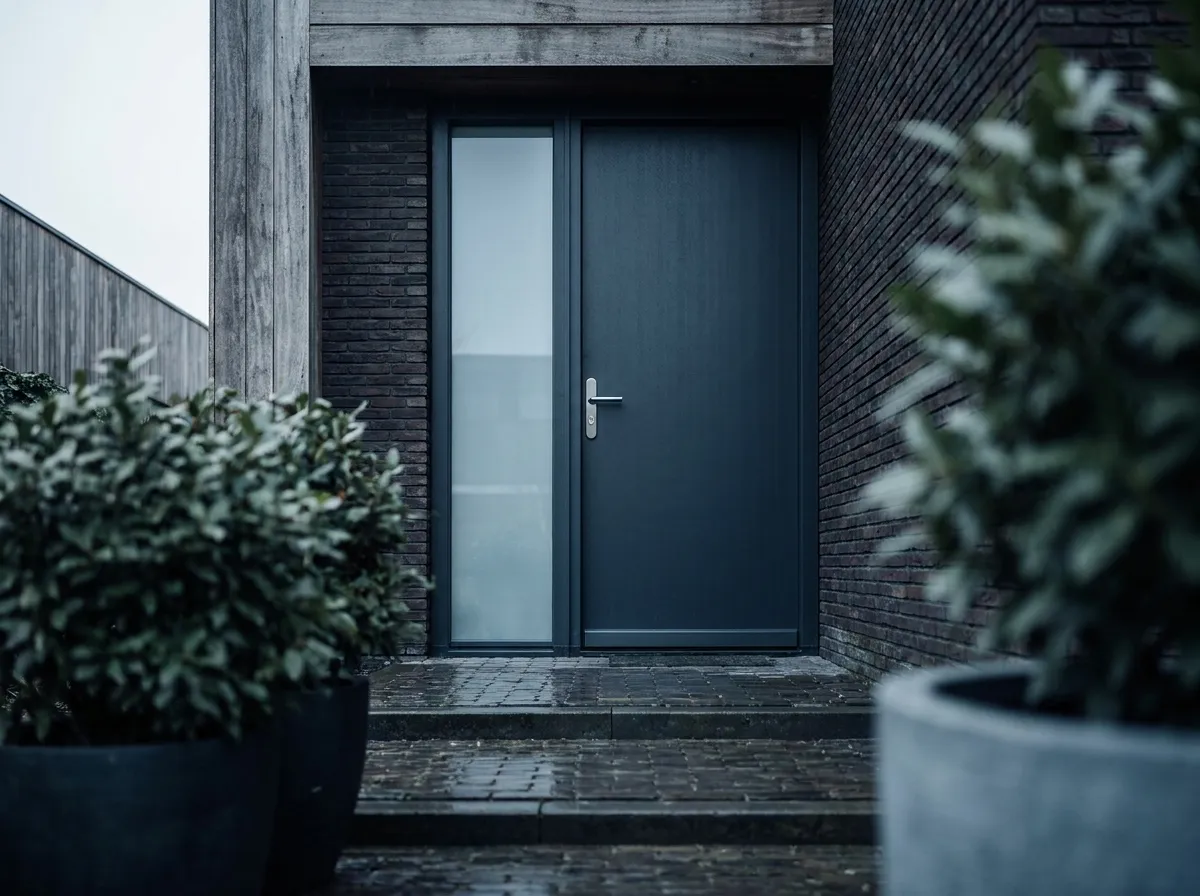
This is how doors will look at your customer's home
- 01
Pick the door type
Front, back, garden, French or tilt-and-turn door.
- 02
Configure in 3D
Size, opening direction, panels, glass, hardware and colour.
- 03
Price from your list
Set prices per type and size, with surcharges on top.
- 04
Quote & get it signed
Branded quote, digitally signed, with 3D imagery.
- 05
Plan & install
Leaves become capacity; complete the work order on site.
FAQ
Questions about doors
Quick answers to the questions companies ask us most.